-
Type:
Bug
-
Resolution: Fixed
-
Priority:
 Low
Low
-
None
-
Component/s: None
-
None
Bug Description
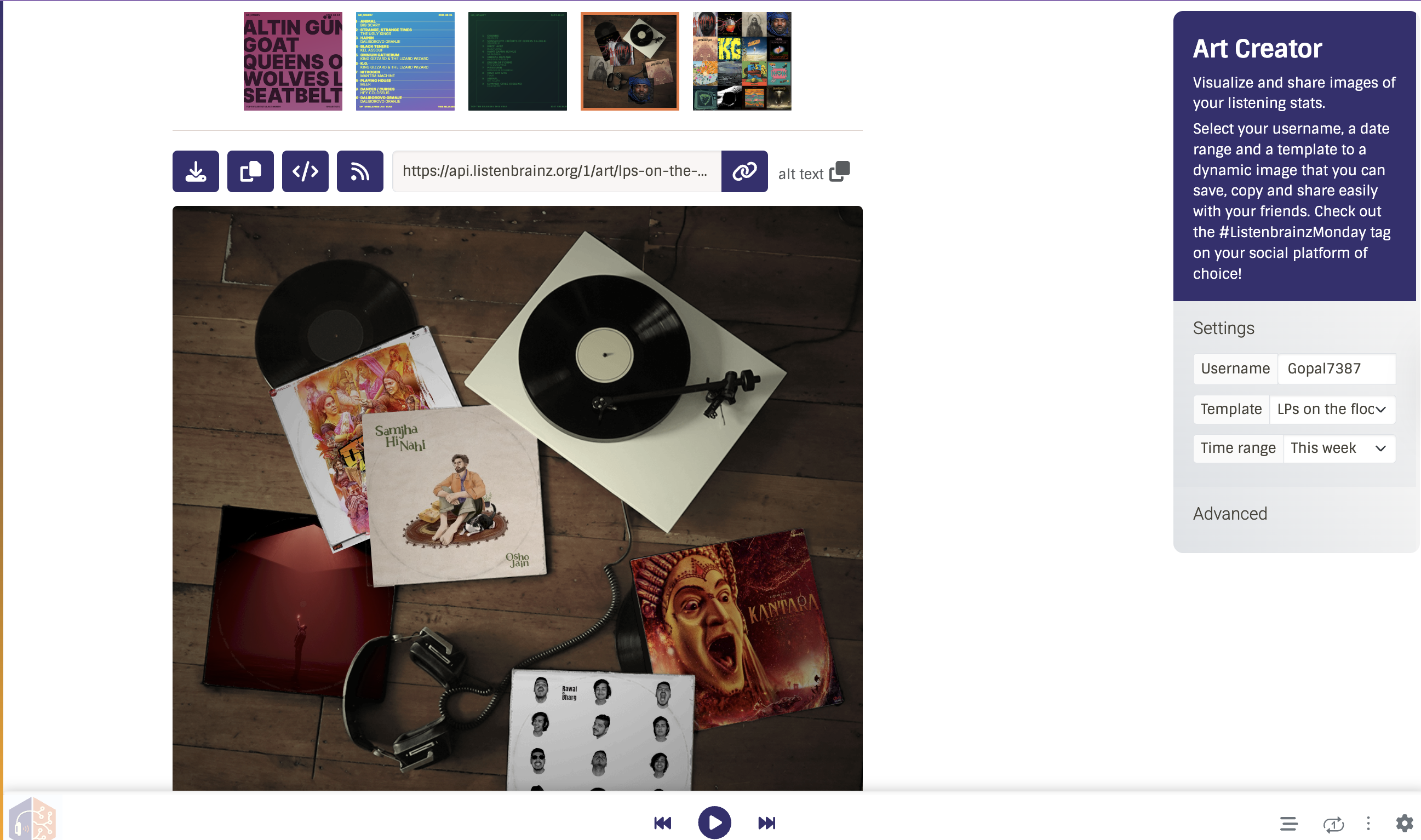
In the Art Creator, the right-side settings/advanced panel has inconsistent
scroll behaviour. Scrolling within the panel interferes with or bleeds into
the page scroll, causing an unexpected and jarring experience when navigating
through template options.
Steps to Reproduce
1. Go to the Art Creator page
2. Select any template with enough settings to make the right panel scrollable
3. Hover over the right settings panel and attempt to scroll through the options
Expected Behaviour
Scrolling within the right panel should be contained to the panel only,
with no effect on the overall page scroll position.
Actual Behaviour
Scroll behaviour is inconsistent — panel scroll and page scroll interfere
with each other, making it difficult to navigate settings smoothly.